Tutorial

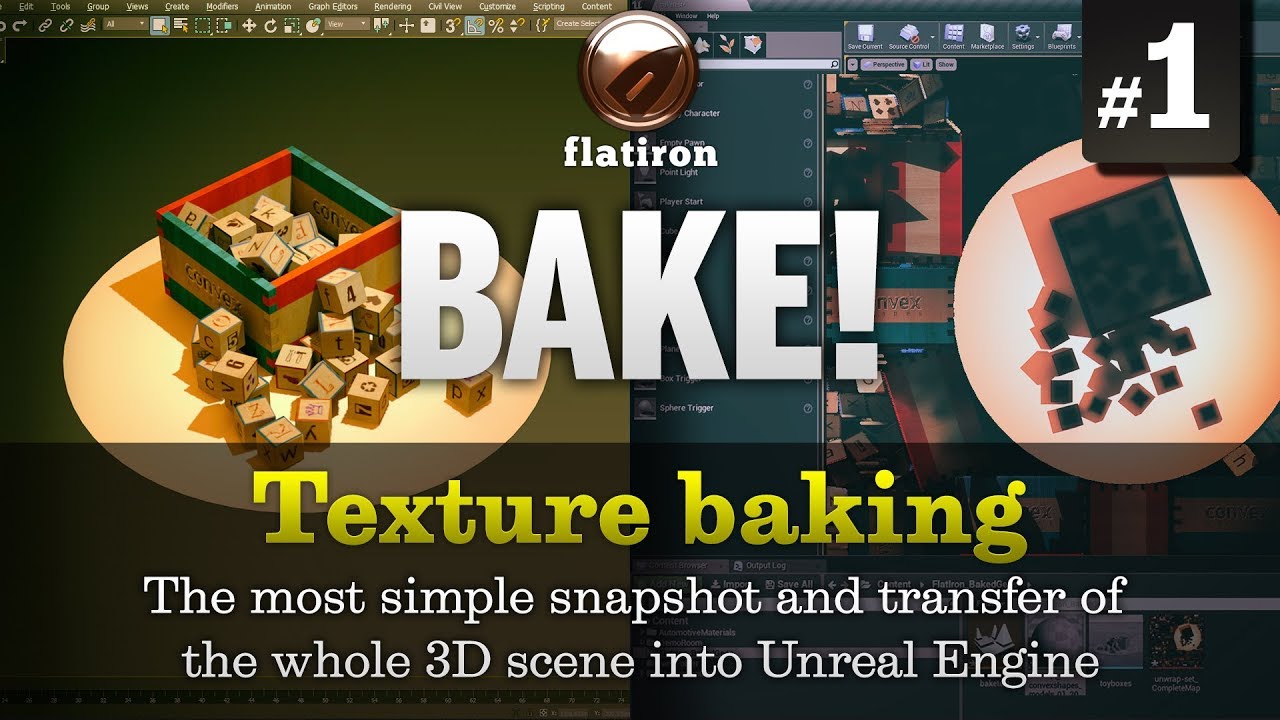
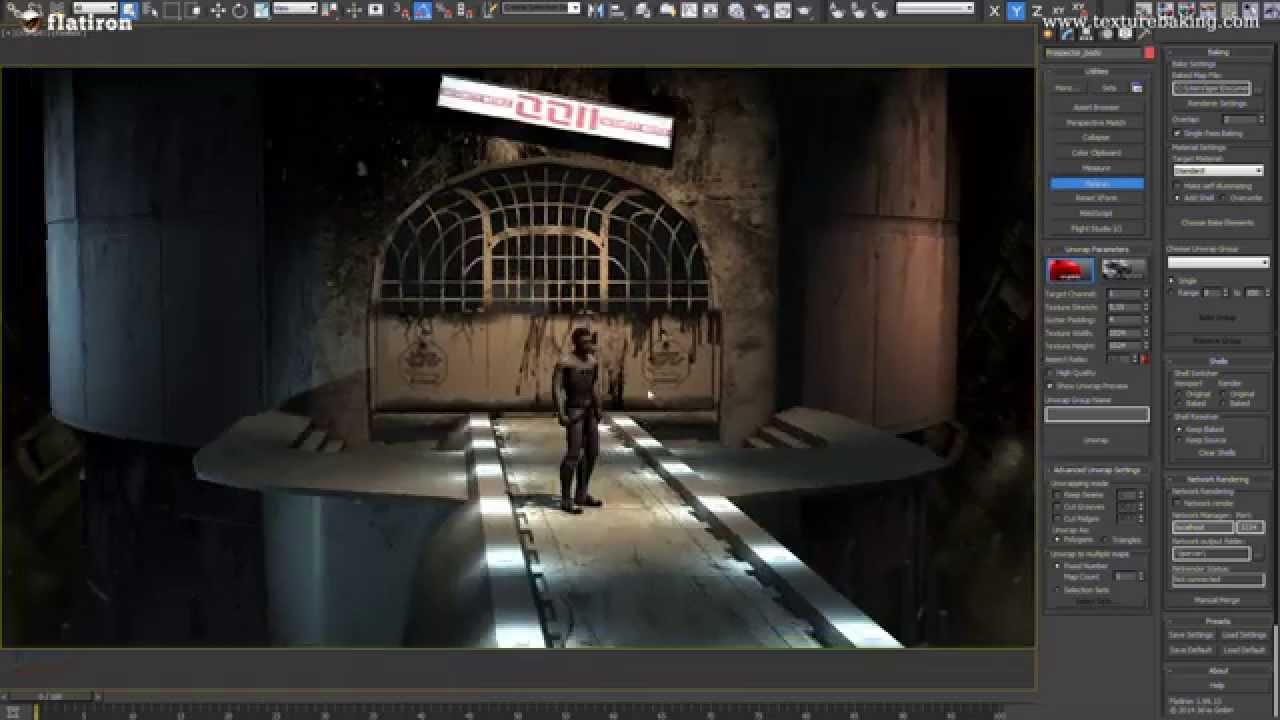
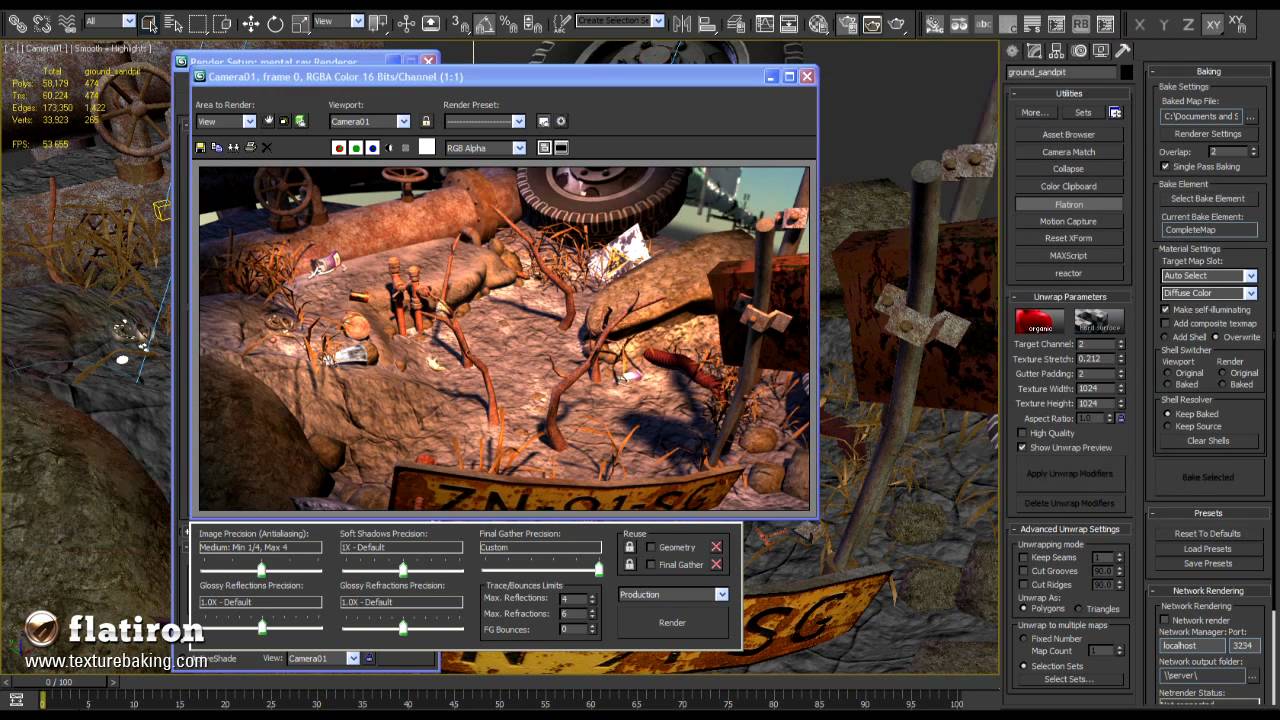
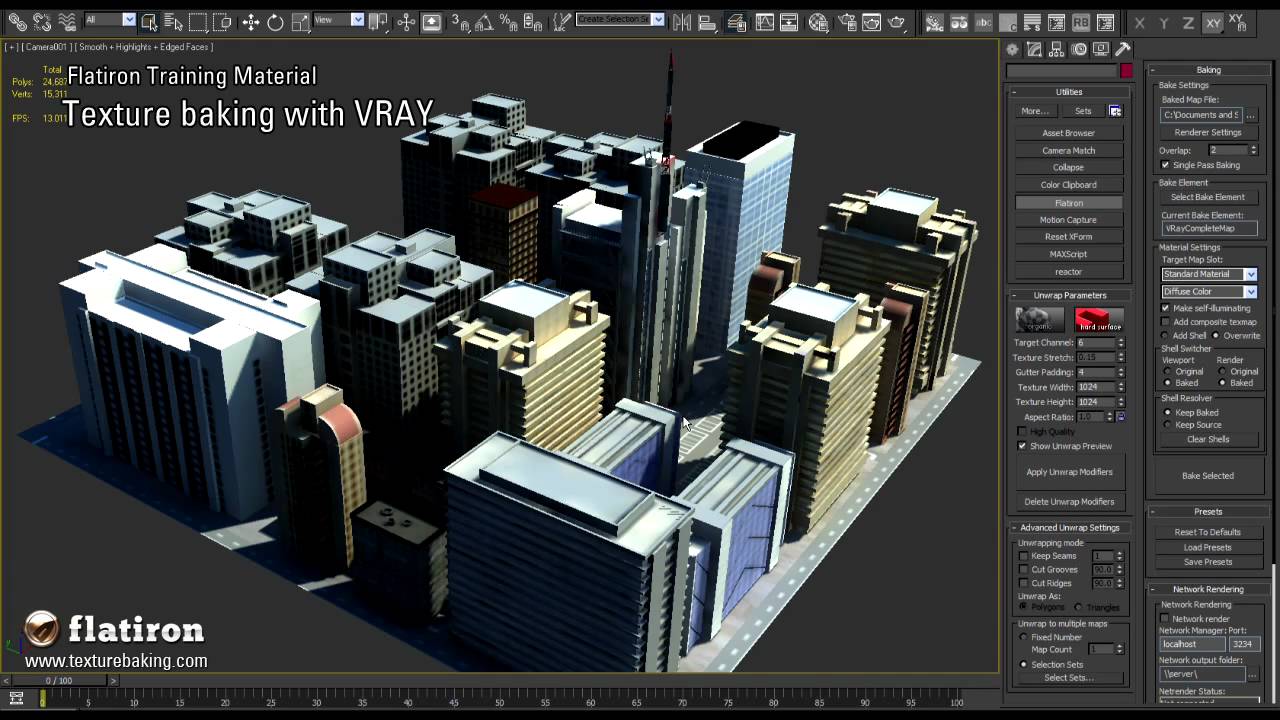
The following video provides an overview of how Flatiron works:

Video Download (42 MB, mp4 file, H.264 codec, right click, save as)

download the whole 3d tutorial scene


In most cases Flatiron is highly automated, so you won’t need more than a few steps to get your unwrapped and baked UV map. In this tutorial we will concentrate on one model and get it set up for baking a light map.


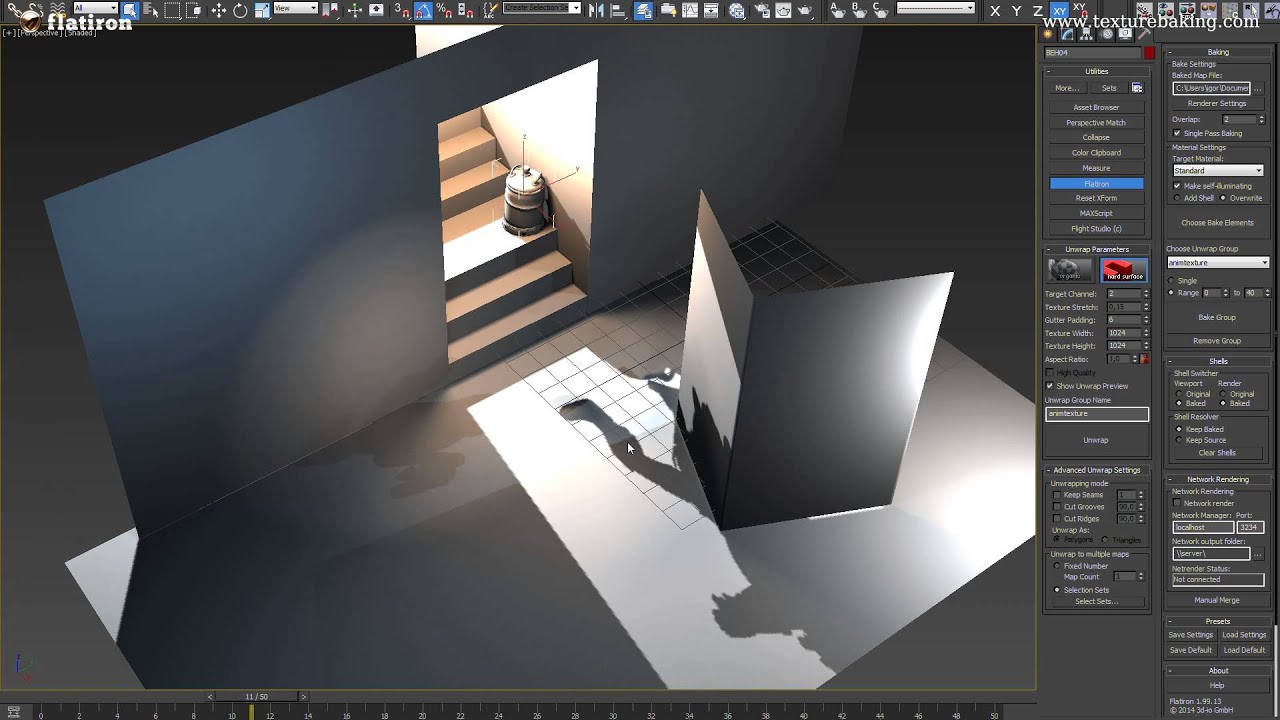
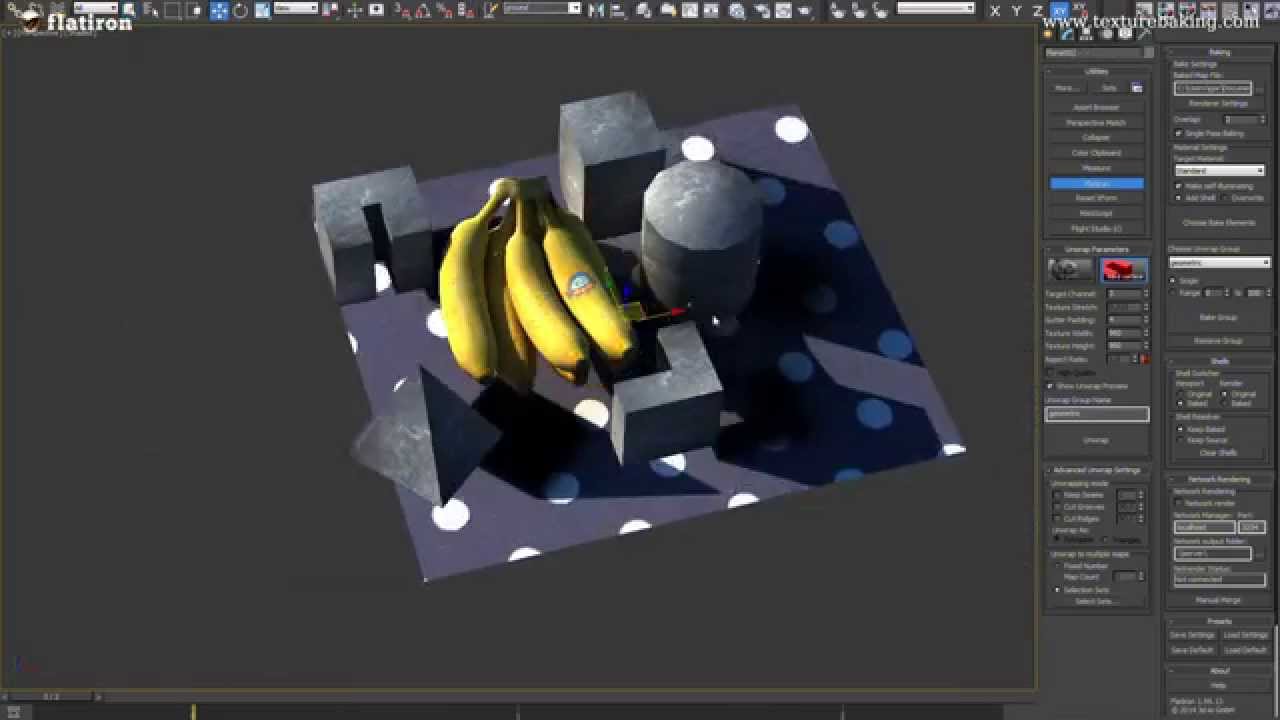
1. Create a model and add some lights. Open the Flatiron Utility and optionally adjust the settings to fit your needs (e.g. texture size, maximum allowed texture stretch). Activating "High Quality" will produce better maps, but will also require more RAM. Select the model (in our case a cup), then press "Apply".cup with lighting / opened utility

 2.The unwrapped model has evenly distributed squares and the chunks of the map are optimally packed. You may want to test the result with the "Unwrap UVW" modifier from max and with a checker map. If you’re not yet completely satisfied, correct some of the parameters in the utility and apply again. Don’t forget to delete the old Flatiron modifiers – the utility has a button for that.cup with seams / uv map

3. Now you can bake your lightmap. In the "Baking" rollout, choose "LightingMap" as Bake Element and press "Bake Selected". 3ds Max will now render a lightmap and store it in the path you chose (see "Baked map file" in "Bake Settings" on top of the rollout).
Delete the lights in the scene. If you set the diffuse map of the model’s material to a Bitmap containing the lightmap and the self illumination to 100%, you can see the shadows in the viewport.

lightmap / cup with baked light

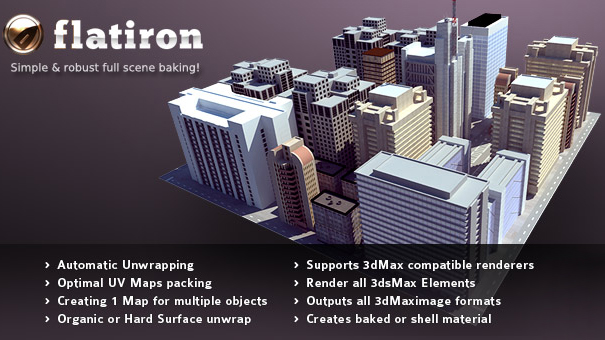
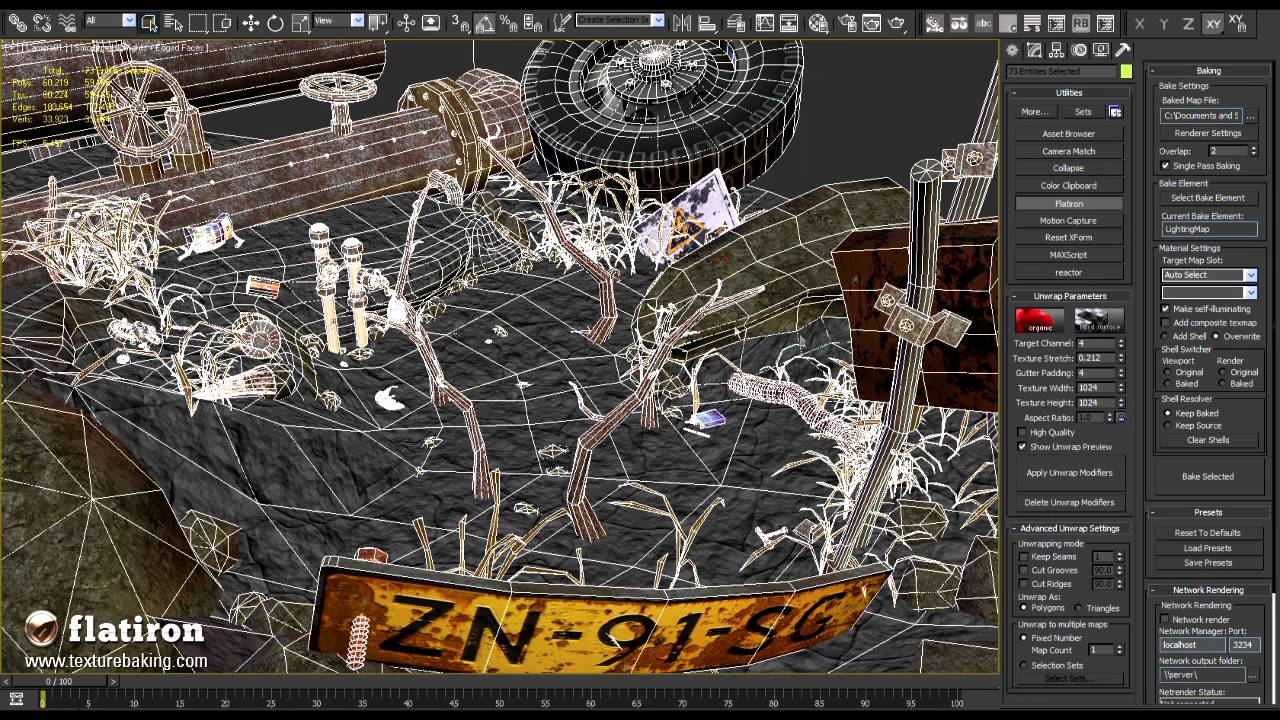
Flatiron’s benefits don’t end with that. A major advantage in contrast to the default 3ds max render to texture is the option to unwrap and render maps for any number of objects into a single map. This allows you for example to generate full scene maps for lighting or ambient occlusion in real-time environments.

Watch the Video on top of this page for an in depth presentation of Flatiron’s capabilities.
You can also download the video (Video download) and the 3ds max scene that is used in the tutorial (3ds Max scene download) to follow it step by step and try out all the features yourself.